Contents
The Lenovo Legion G9 I ordered has finally arrived. I'd been looking forward to it, but it seemed to go missing in transit, keeping me waiting much longer than expected. I bought a controller to play games, yet I'd already encountered an unexpected event before playing a single one.
So I unboxed it and decided to find out how far I could actually get.
The Unboxing Ceremony
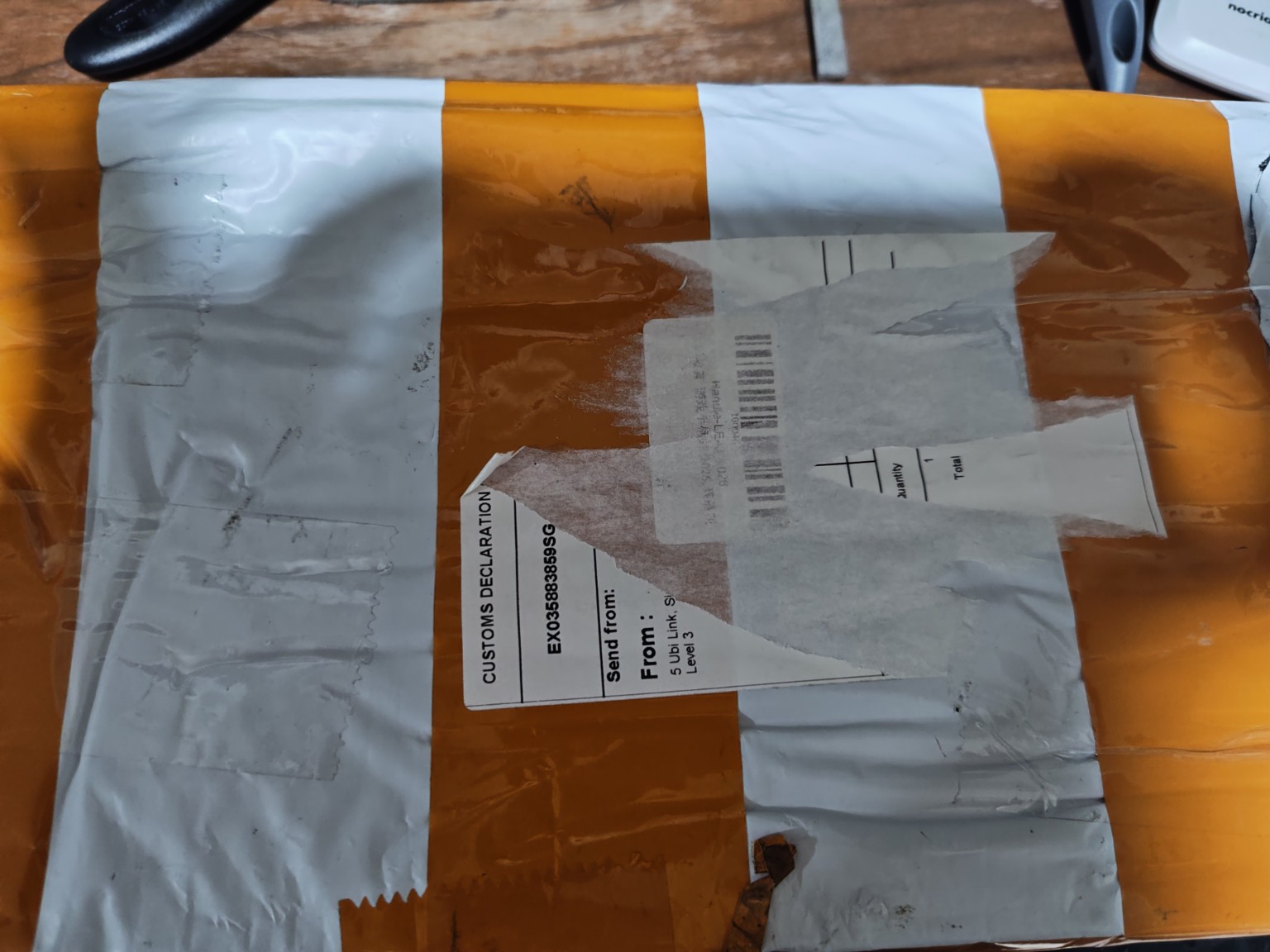
Inside the package from overseas was a box for the Lenovo Legion Gaming Controller G9 2026.
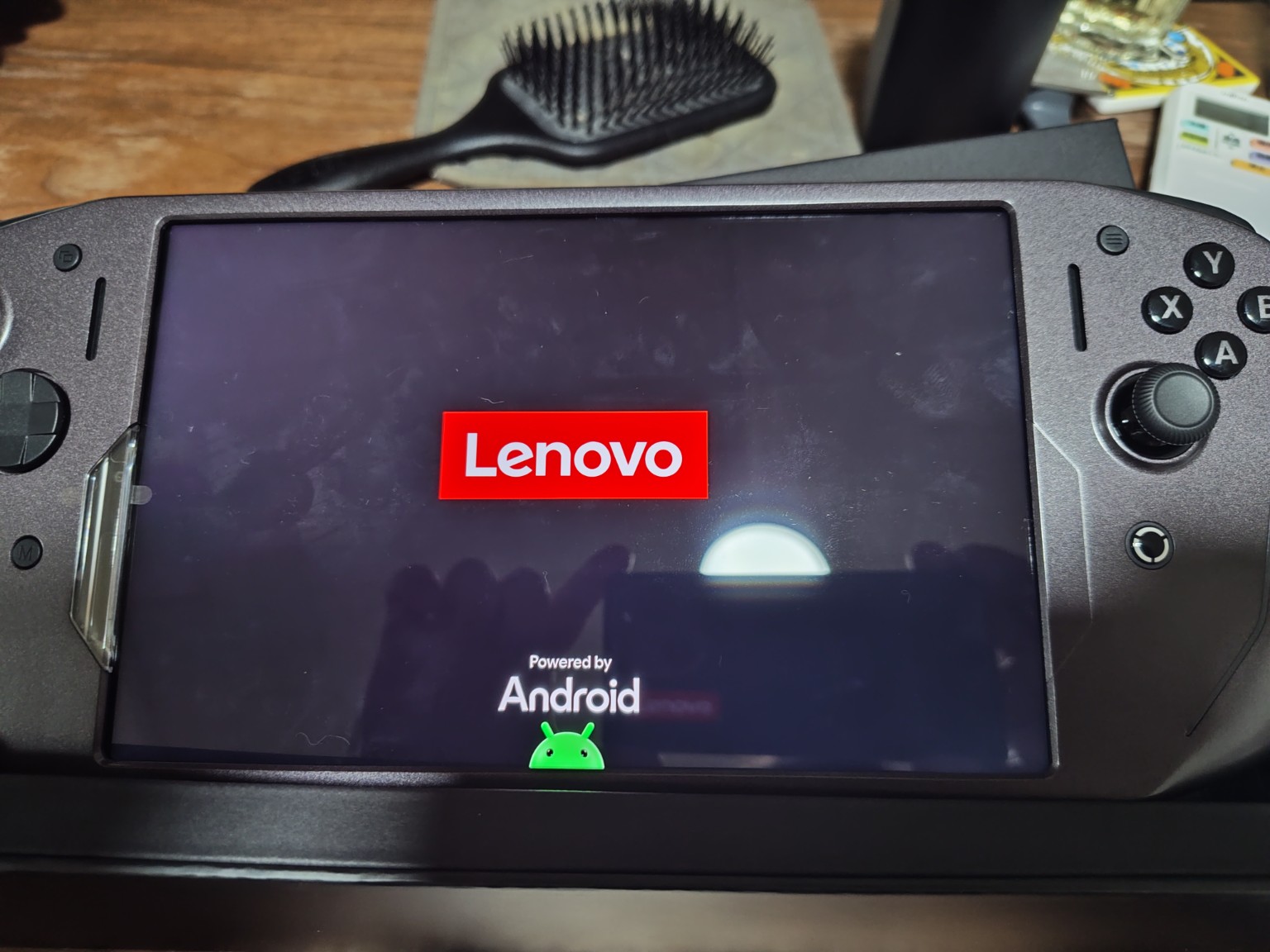
My tablet is a fifth-generation Lenovo Legion Tab, an 8.8-inch Android device with more than enough performance for everyday use. The G9 attaches around both sides of it, turning the setup into something resembling a handheld console.
Of course, one could also say it's simply a tablet with a controller attached. I wanted to find out how much difference that makes.
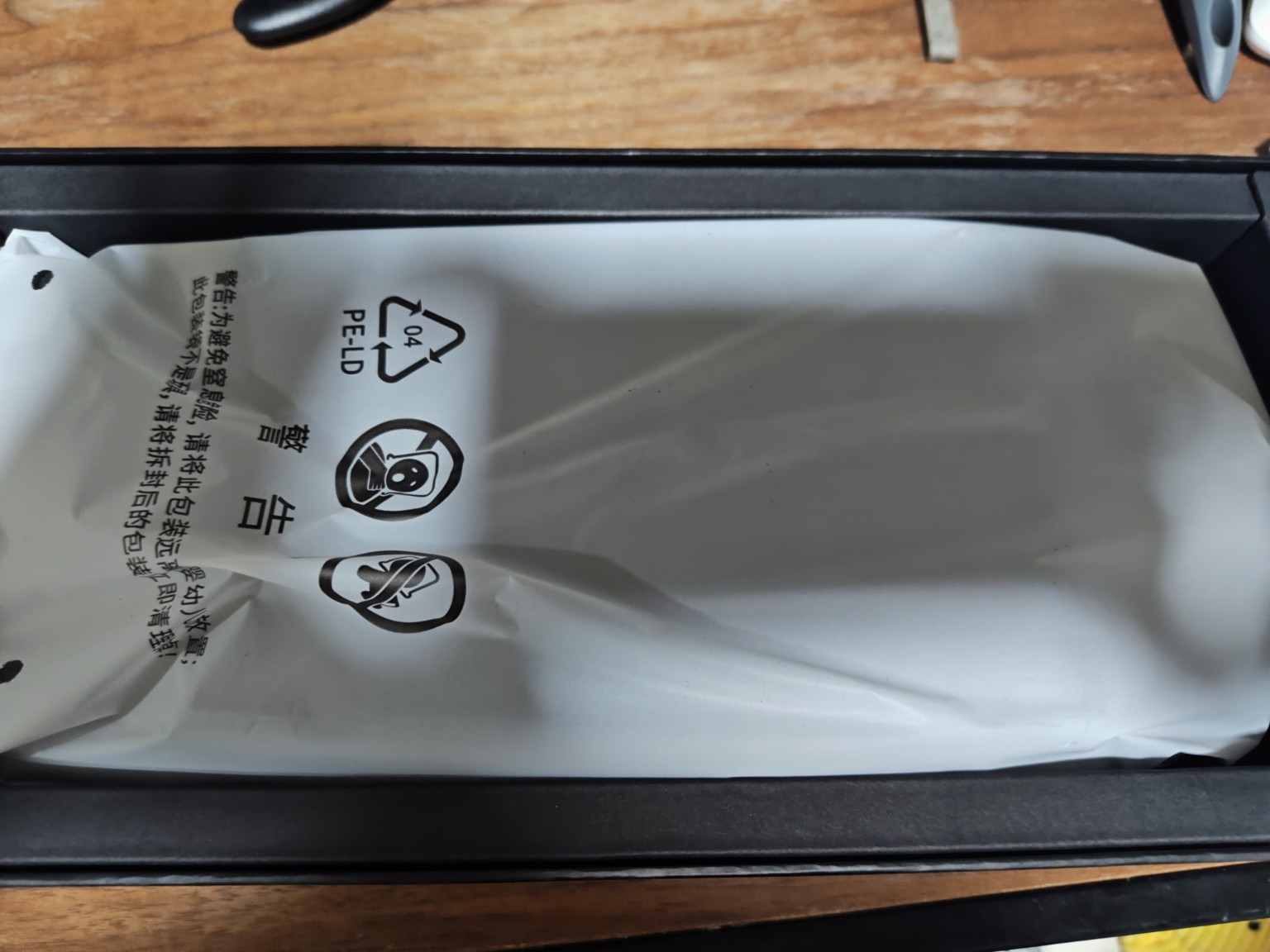
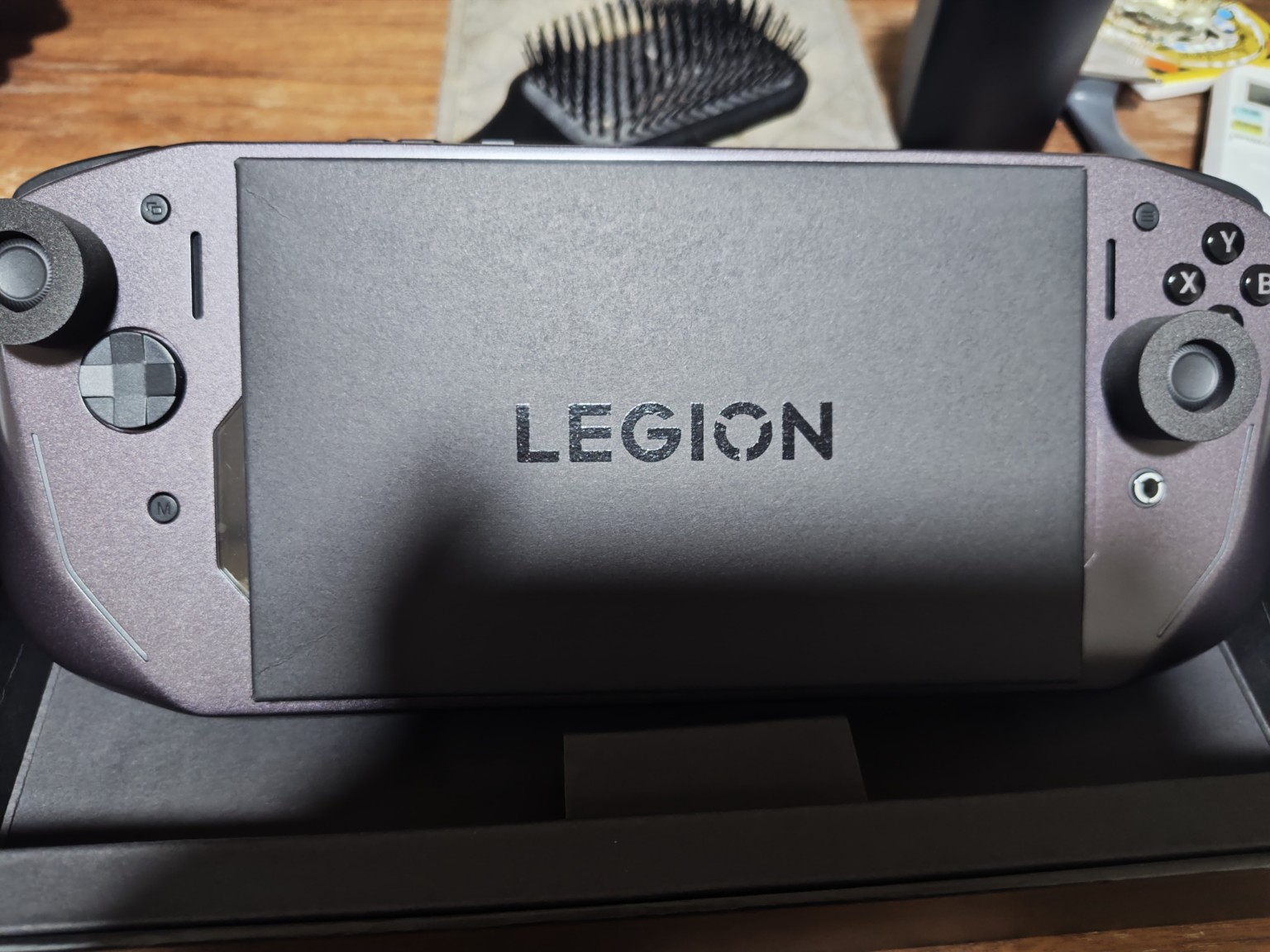
Out of the protective packaging, the G9 looked remarkably substantial. Analog sticks, physical buttons, and a large LEGION logo across the back: it already looked like dedicated gaming hardware.
Attaching the Tablet
I fitted the tablet and turned it on.
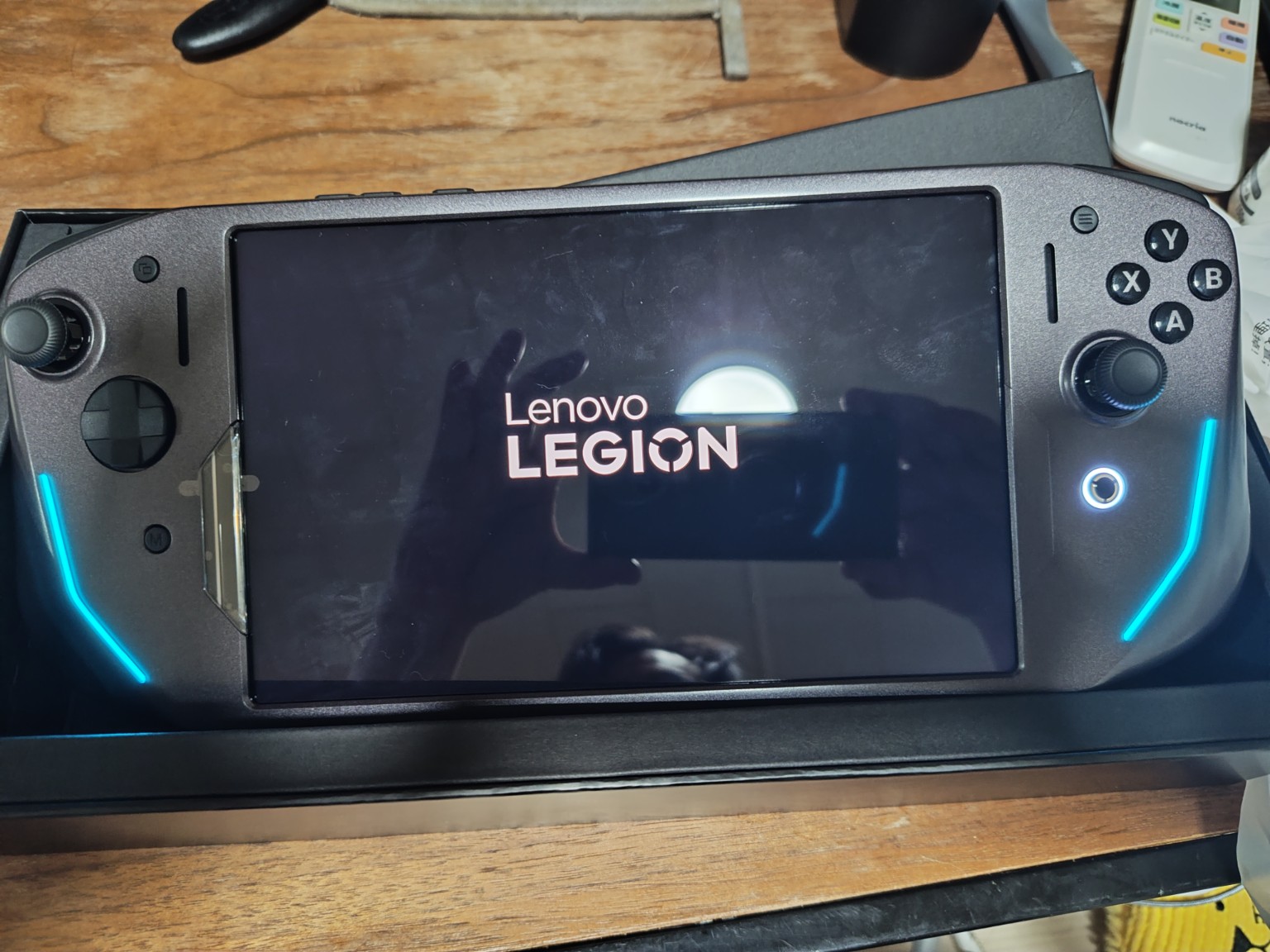
Well, this looks like a games console. Technically it's still an Android tablet, but visually it's become a handheld gaming machine.
Naturally it gets larger and heavier. I don't plan to keep the G9 attached all day; I can put it on whenever I want to play. What matters is whether the games actually work.
First, the Original PlayStation
I started with DuckStation, an emulator for the original PlayStation, and the nostalgic Japanese title Verde Selva Senki.
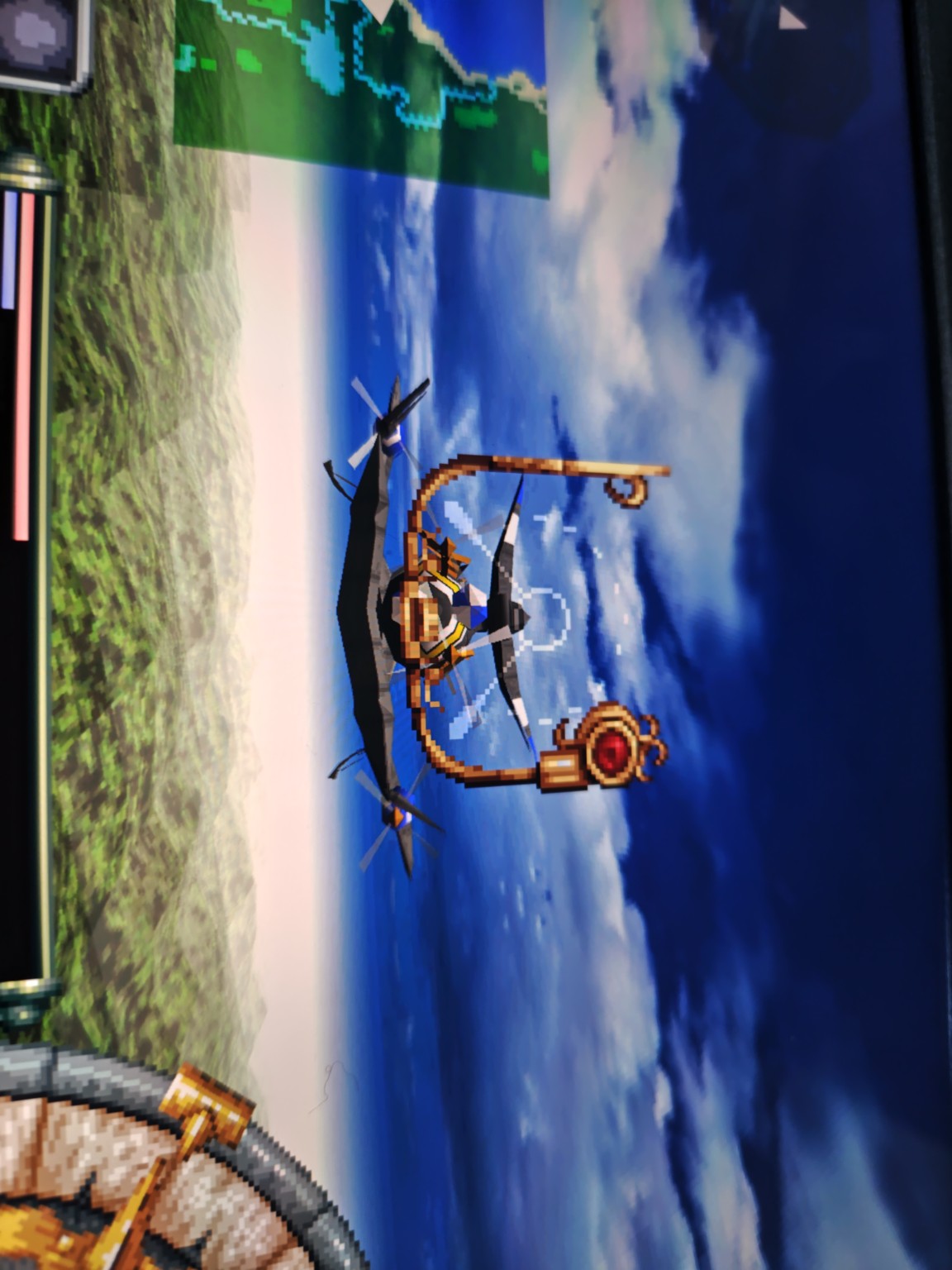
The game launched without trouble, but simply attaching the controller didn't map every button automatically. I opened the controller settings and ran automatic mapping. It recognized the G9 immediately.
The left stick worked, the physical buttons responded, and the D-pad worked too. Excellent.
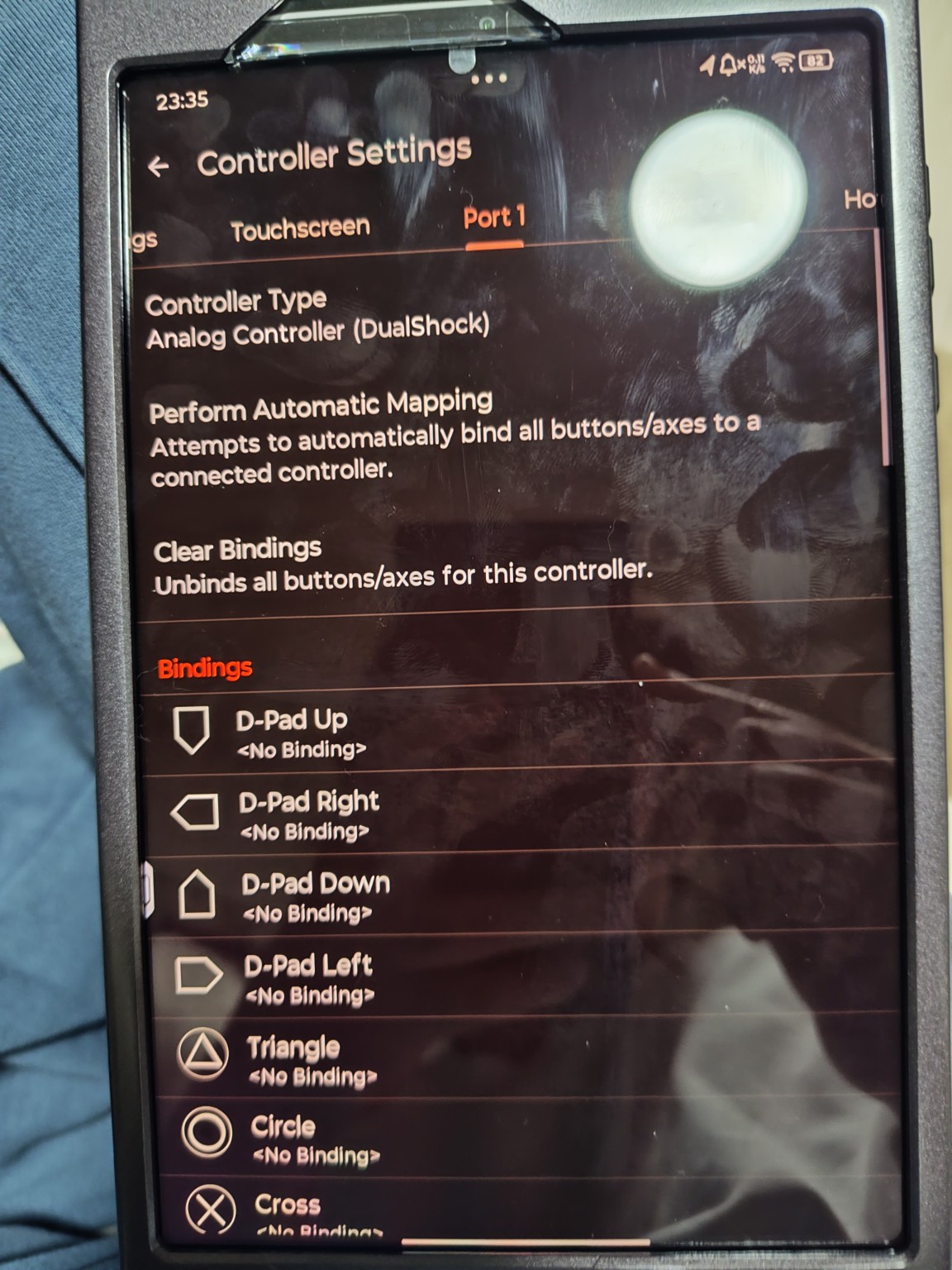
DuckStation can also save the entire game state wherever you like, regardless of an in-game save point. I tried that too, and it worked.
Playing an old game this way is surprisingly enjoyable. The image even looked smoother than I remembered. The original game hasn't changed, but revisiting it comfortably is appealing.
So far, so good. Then things got interesting.
Next: Steam Games
A Windows Steam game doesn't normally run directly on Android. But applications like GameNative and GameHub can run some Windows titles on an Android device.
I don't own a PC, so being able to play Steam games on this tablet would be genuinely useful.
I picked the free demo of Code of the Savage, a dark fantasy RPG inspired by classic Ultima games and developed independently over many years. It even supports nine languages, including Japanese.
Building an open-world RPG alone is already daunting. Supporting nine languages on top of that? This developer is a magnificent obsessive. I mean that as the highest compliment.
It Actually Launched
I tried GameNative first. The game didn't appear in the normal library view at first, but choosing the demos section revealed it. I checked the controller options, including support for Xbox-style input, and launched it.
And it ran.
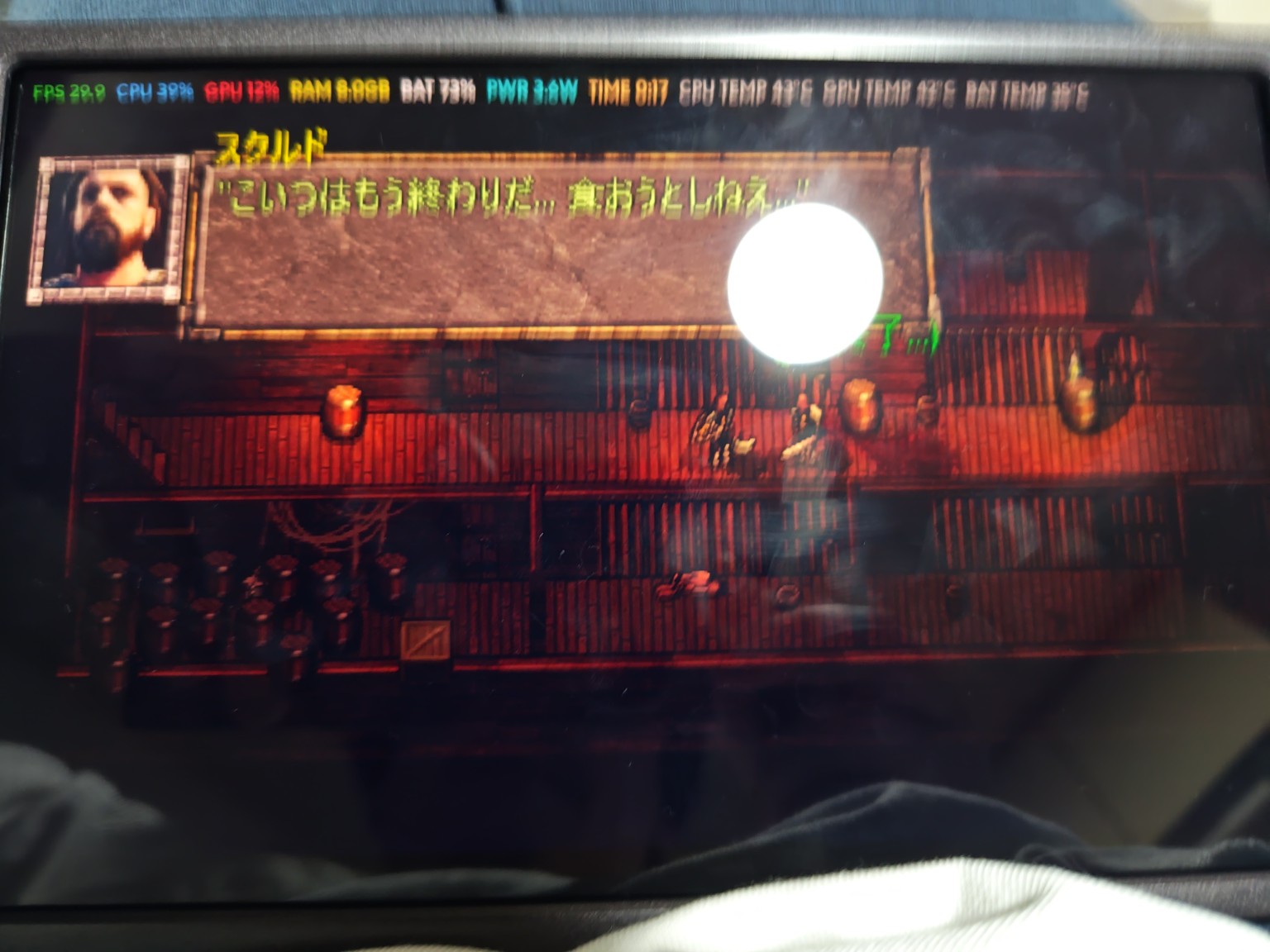
Japanese text appeared correctly; my character moved; the ship interior was packed with little details and atmospheric decorations. The gameplay display showed around 30 FPS in the scene I checked, and the game even offered a 60 FPS setting. Does a 2D game really need that? Maybe not, but smoother is nicer.
Then the trouble began.
Running Is Not the Same as Playing
During the tutorial, I couldn't use the item the game wanted me to use. At first I blamed the controller configuration, but the on-screen positions and the actual interaction points seemed misaligned.
Trying to select something became a frustrating guessing game. Switching to the game's fullscreen setting didn't resolve it.
Was it a compatibility issue with GameNative, or a problem in the unfinished demo? I couldn't tell.
I then tried GameHub. It launched there too. I initially struggled with the left stick, eventually got it working, but the overall controls still weren't comfortable in my setup.
That's a shame, because the game itself looks fascinating.
The developer has reportedly bought a Steam Deck to test the game firsthand. Someone devoted enough to support nine languages may well keep improving controller usability too. At least, that's what I'm hoping.
What Did We Learn?
The G9 itself works. DuckStation only needed automatic button mapping, and I could play a PlayStation game comfortably. More impressively, a Windows Steam demo really did launch on the Legion Tab.
But 'it launches' and 'it's enjoyable to play' are completely different achievements. Running Windows software on Android means compatibility depends on both the game and the application running it. I can't yet assign blame for the Code of the Savage display issue.
There are more titles I could test someday, such as Titan Quest Anniversary Edition in my Steam library. For now, though, enough testing.
I wanted to play games. I didn't set out to conduct research into controller configuration and Windows compatibility.
After unboxing, attaching, configuring, launching, comparing, and troubleshooting, I realized I'd spent more time getting games ready than actually playing them.
But there was one last surprise.
The Biggest Problem Was Outside the Game
The G9 fits the Legion Tab almost too perfectly. It looks excellent as one integrated handheld. Unfortunately, that very fit creates a problem.
On Android, I normally swipe inward from the edge of the screen to switch apps or return home. With the G9 attached, the controller sits right against that edge. There isn't room to start the gesture properly.
Landscape? Doesn't work.
Portrait? Still doesn't work.
To exit a game or switch apps, I have to detach the G9.
I added a controller to make games easier, and somehow made Android's basic navigation impossible. I never saw that coming.
All this provided more than enough material for an article. The first thing my new gaming controller gave me wasn't a gaming experience. It was something to write about.
And the great discovery of the day?
To exit the game, please dismantle the console first.
Come on. Just let me quit normally.
Loading…